
Relays let your profile publish information, receive chat invitations and deliver messages. Each profile has its own relay settings. Other people's apps read your published relay lists to find where to reach you, so if those lists are missing, people may be unable to invite you.
Relay roles
| Role | Android label | iOS label | Purpose |
|---|---|---|---|
| Posting | Where I post (Profile) | Account Relays | Publishes your profile and connection information. Edits are published as your NIP-65 relay list. |
| Receiving | Where I receive (Inbox) | Inbox Relays | Where people send you chat and group invitations. Edits are published as your inbox relay list. |
Relay URLs must start with wss://.
Android
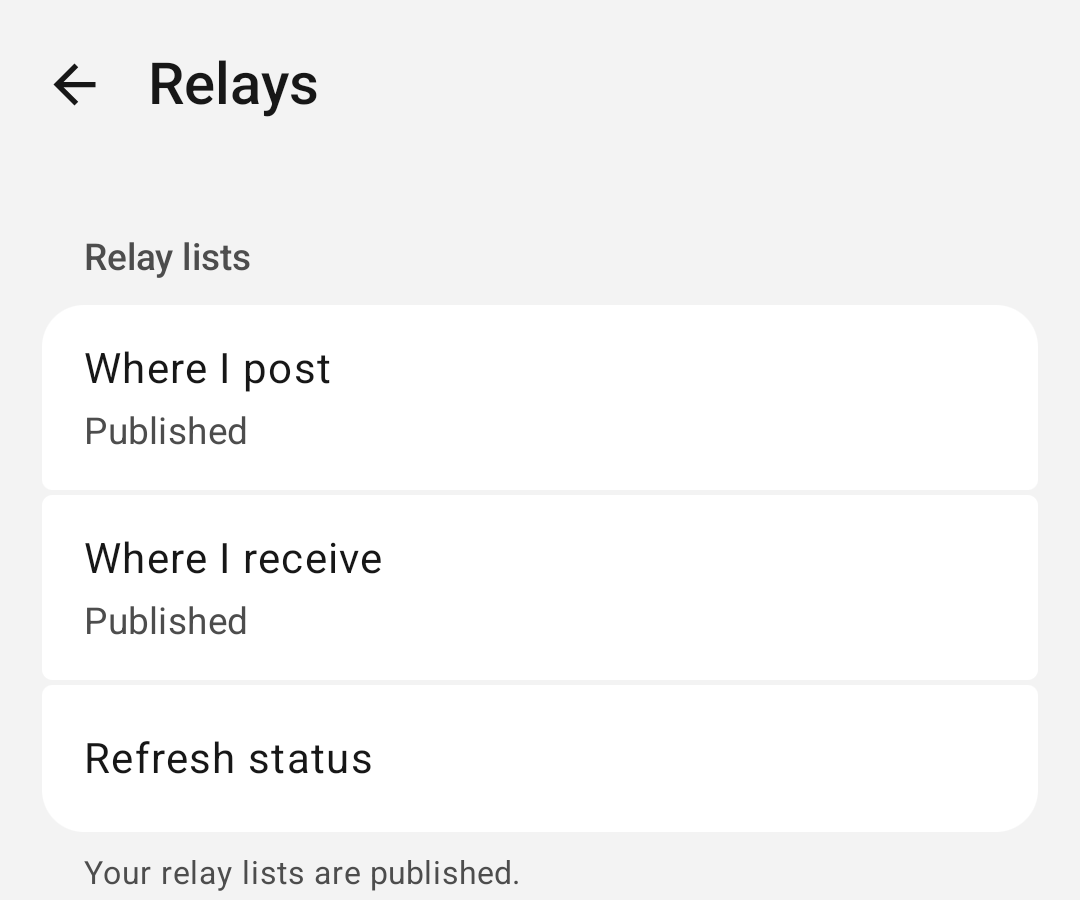
Open Settings > Relays.
Add a relay
- Tap Add relay.
- Enter a unique URL that starts with wss://.
- Under Use For, choose at least one role, then save.
Remove a relay
If this is the only relay for a role, add another relay for that role first. Tap Remove relay to stop this profile using it. Existing chats keep their current relays.
Relay lists
The status shows Published, Missing or Status unavailable. Refresh status checks the status again. Publish missing lists publishes the missing lists so people can find where to reach you. If publishing fails, your relay settings are kept.
A relay marked Needs attention was imported without a secure wss:// address, with its role assignments kept during import. Add a secure replacement or remove the imported relay.
Restore defaults
Warning: Restore Default Relays replaces this profile's relay list and role assignments with the defaults, and your custom relays are removed.
Support chat
Chat with support needs a published receiving relay on the profile. If the support screen says the relays need attention, tap Open Relays.
iOS
Open Settings > Relays. An empty list shows No relays published.
- In Account Relays or Inbox Relays, tap Add Relay.
- Enter a relay URL that starts with wss://, then tap Add.
Published Relay Lists shows whether each list is published. If the screen fails to load, tap Retry.
Invitation keys
Invitation keys, also called key packages, are published to relays so others can add you to groups. See Identity and keys and Groups for Android or iOS.